Adding a new time entry
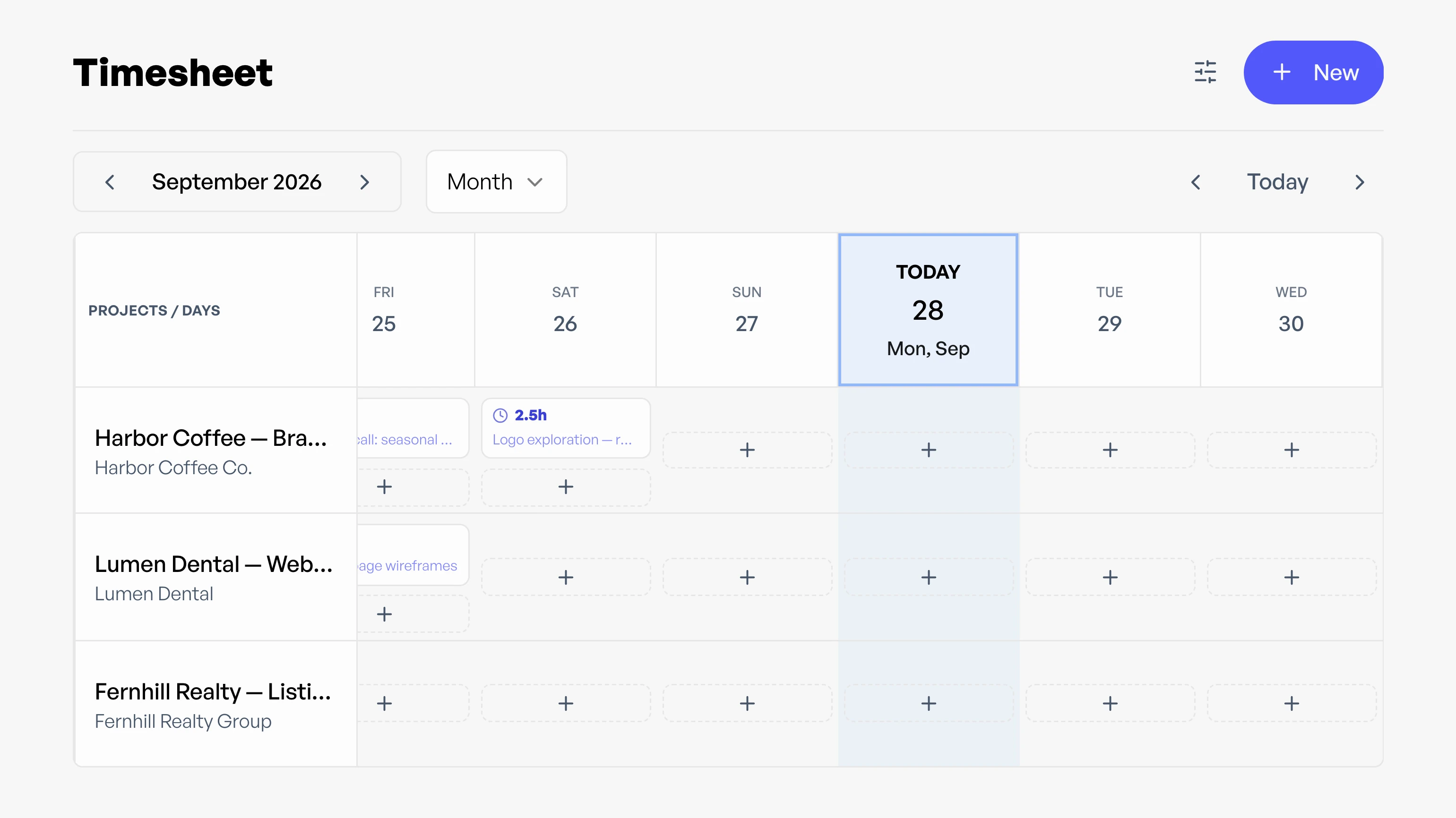
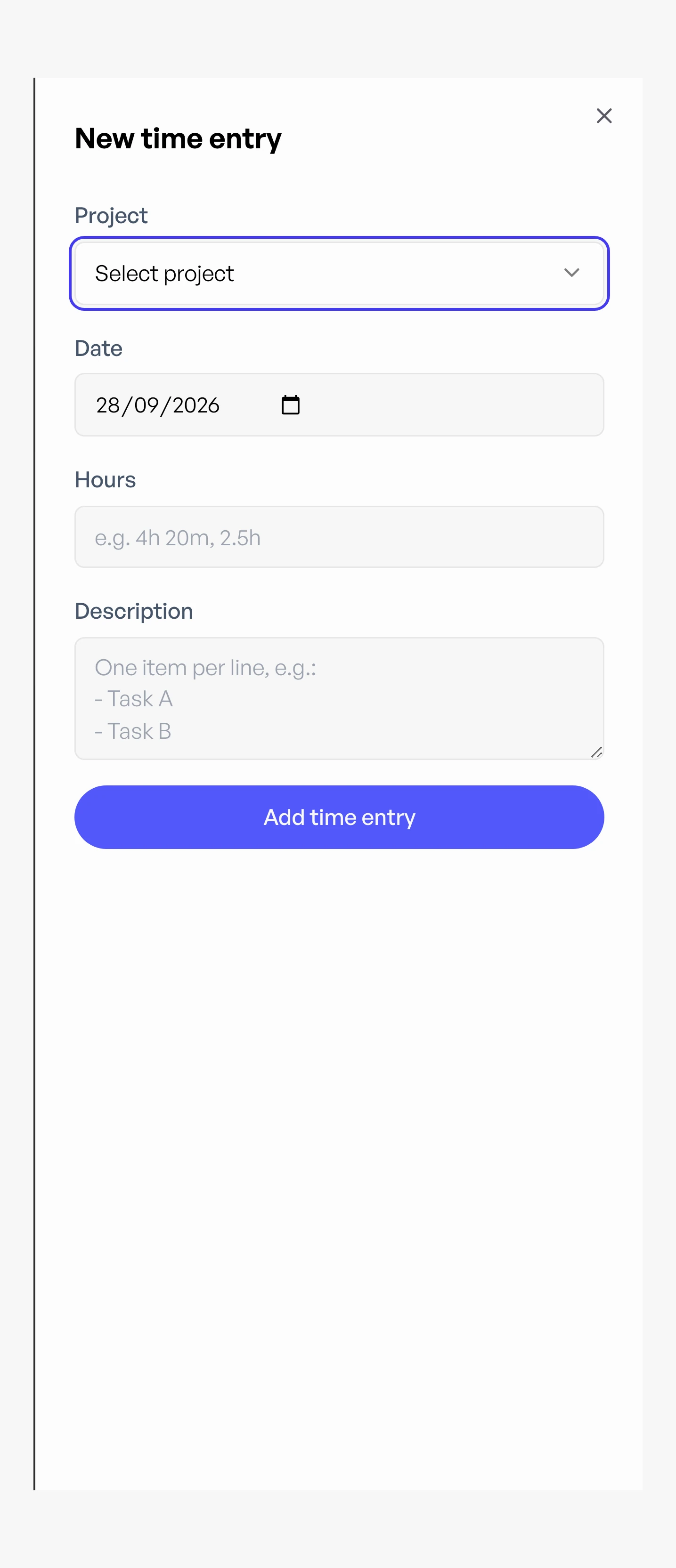
From the Timesheet page, click Add time entry to open the new-entry form in a side panel. The entry appears on the calendar immediately and flows into invoicing.
- 1
Choose the project
Every hour attaches to a client project so it bills at the right rate.
- 2
Enter the date
Log today or backfill any day you forgot. The calendar fills in as you go.
- 3
Enter hours
Flexible formats work: 4h 20m, 2.5h, or plain numbers.
- 4
Add a description and submit
A short note keeps the entry recognizable when it shows up on an invoice.
Backfill forgotten billable hours
The calendar layout makes it easy to spot days with no entries. Add or edit hours on past dates, attach the right project and description, then generate invoices with confidence. Use the Timer on days you remember to track in real time.