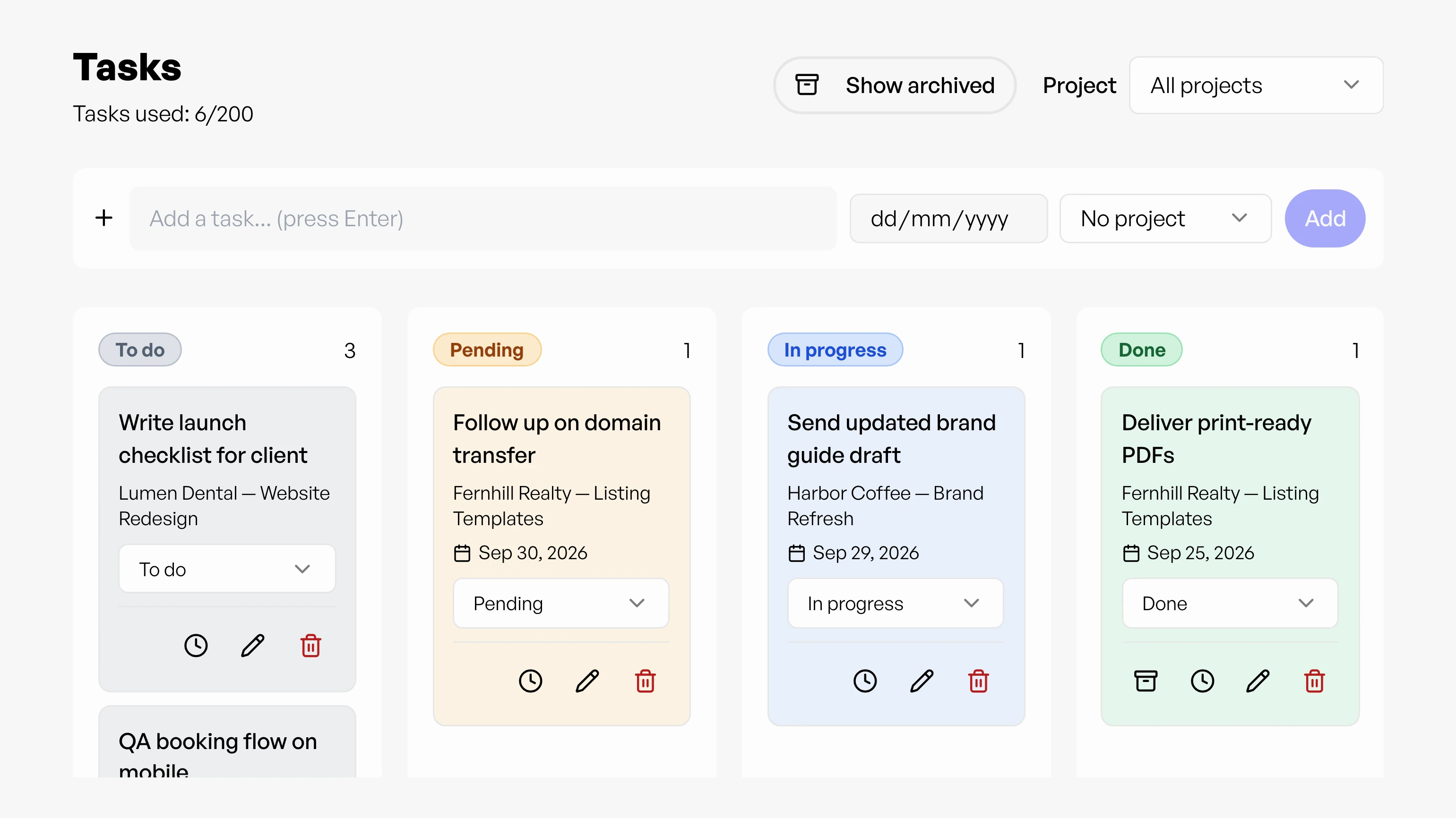
Create a new task
From the Tasks page, use the inline add bar at the top to create tasks quickly. Type a title, optionally set a due date and project, then press Enter or click Add. No dialogs. Just type and go.

Kanban board view
Drag cards between columns to update status, or use the status dropdown on each card. Filter by project or toggle archived to keep your board focused.
Convert completed tasks to billable hours
When work is done, convert a task to a time entry for its linked project. The hours land on your Timesheet and flow into Invoices, no retyping what you already captured on the board.