Invoice settings
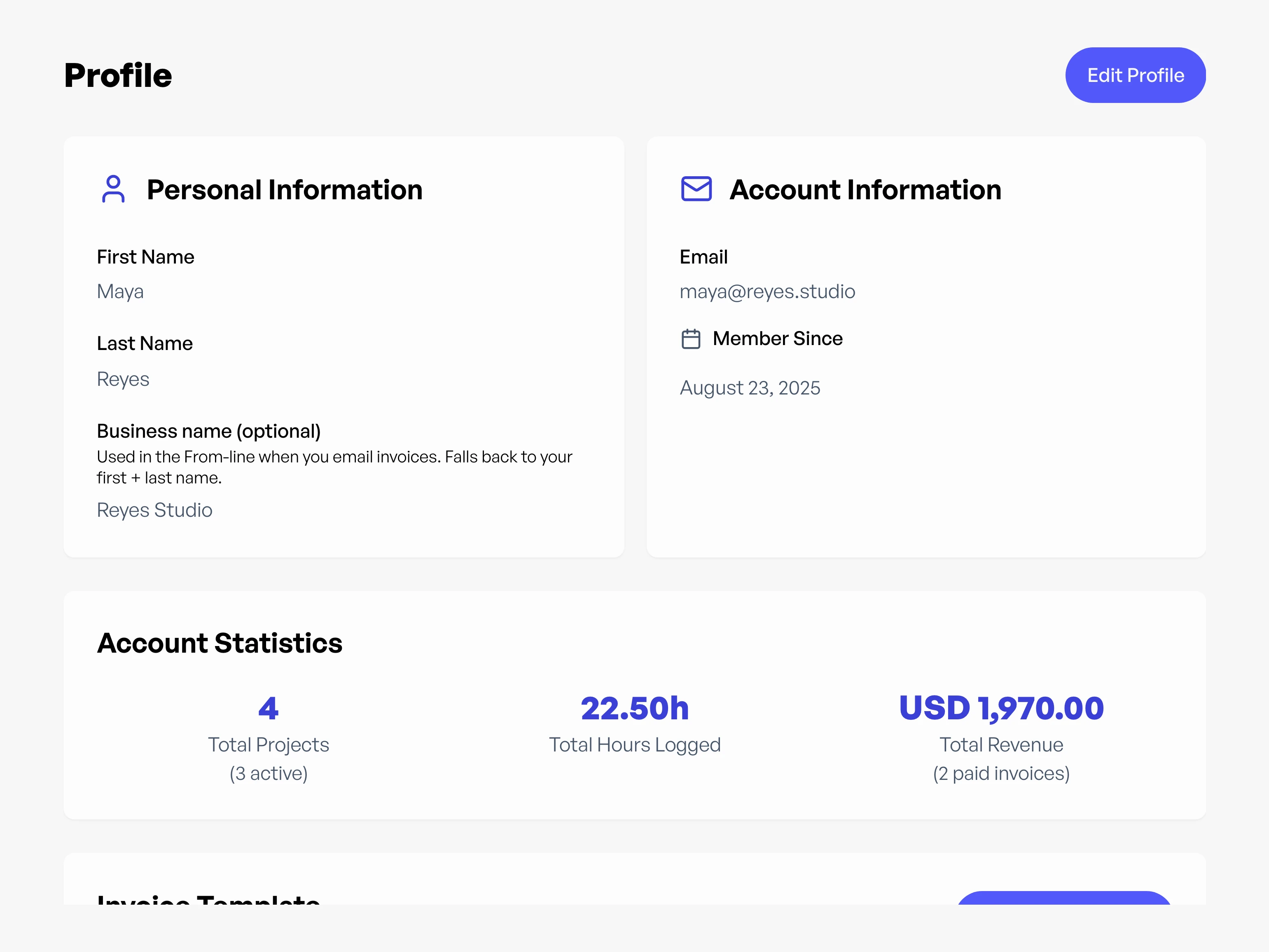
In Profile you’ll find Invoice Template Customization, where you control how your generated invoices look. These settings apply to every invoice you create, so your branding stays consistent.
Logo & branding
Upload your logo (up to 2MB) and toggle whether it appears on the invoice. Your name and business details from Profile also appear on invoices.
Font & layout
Choose font family and size; adjust line spacing, margins, header spacing, and section margin so the PDF layout matches your preference.
Text & colors
Set the header text (e.g. “INVOICE”) and optional footer text, and pick an accent color so the invoice matches your brand.
Live preview
Changes are reflected in a live preview on the same page. Save when you're happy; the template applies to all new and downloaded PDFs.